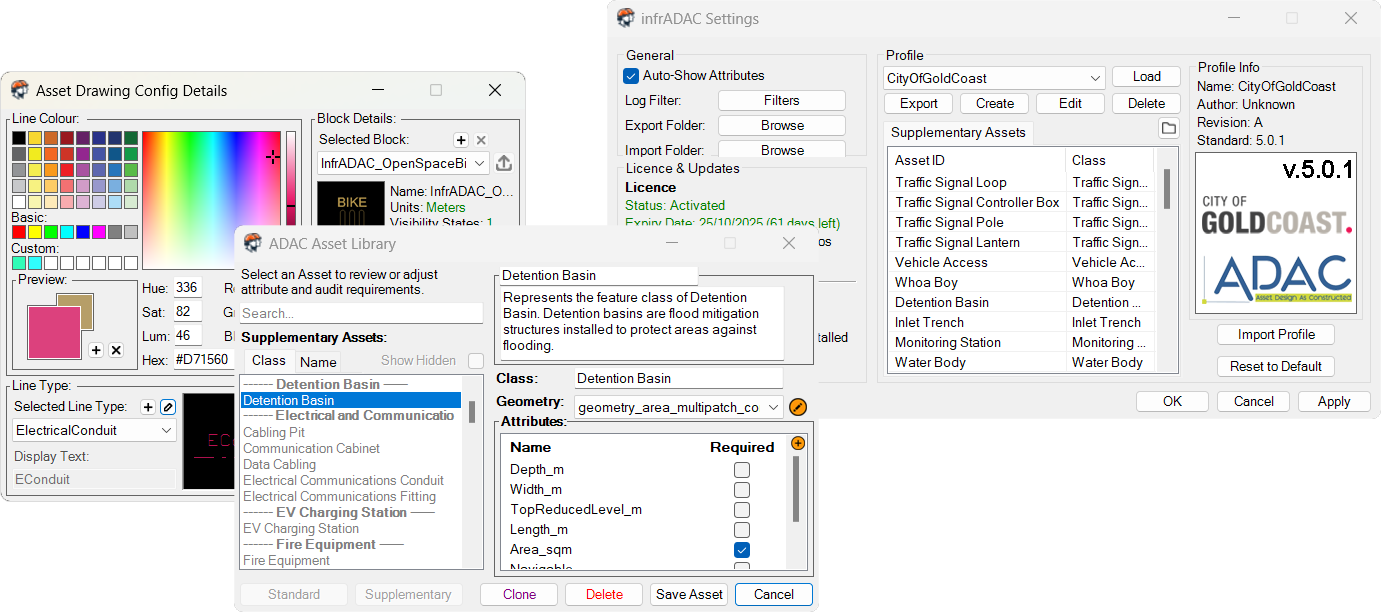
infrADAC CAD brings ADAC XML directly into AutoCAD, letting you import, edit, and generate compliant files without external tools. Attributes are structured from the official Data Dictionary, with validation and audit reports ensuring quality and compliance. Supplementary assets, complex geometries and supporting documentation are fully supported, giving you complete control of asset data and submissions.
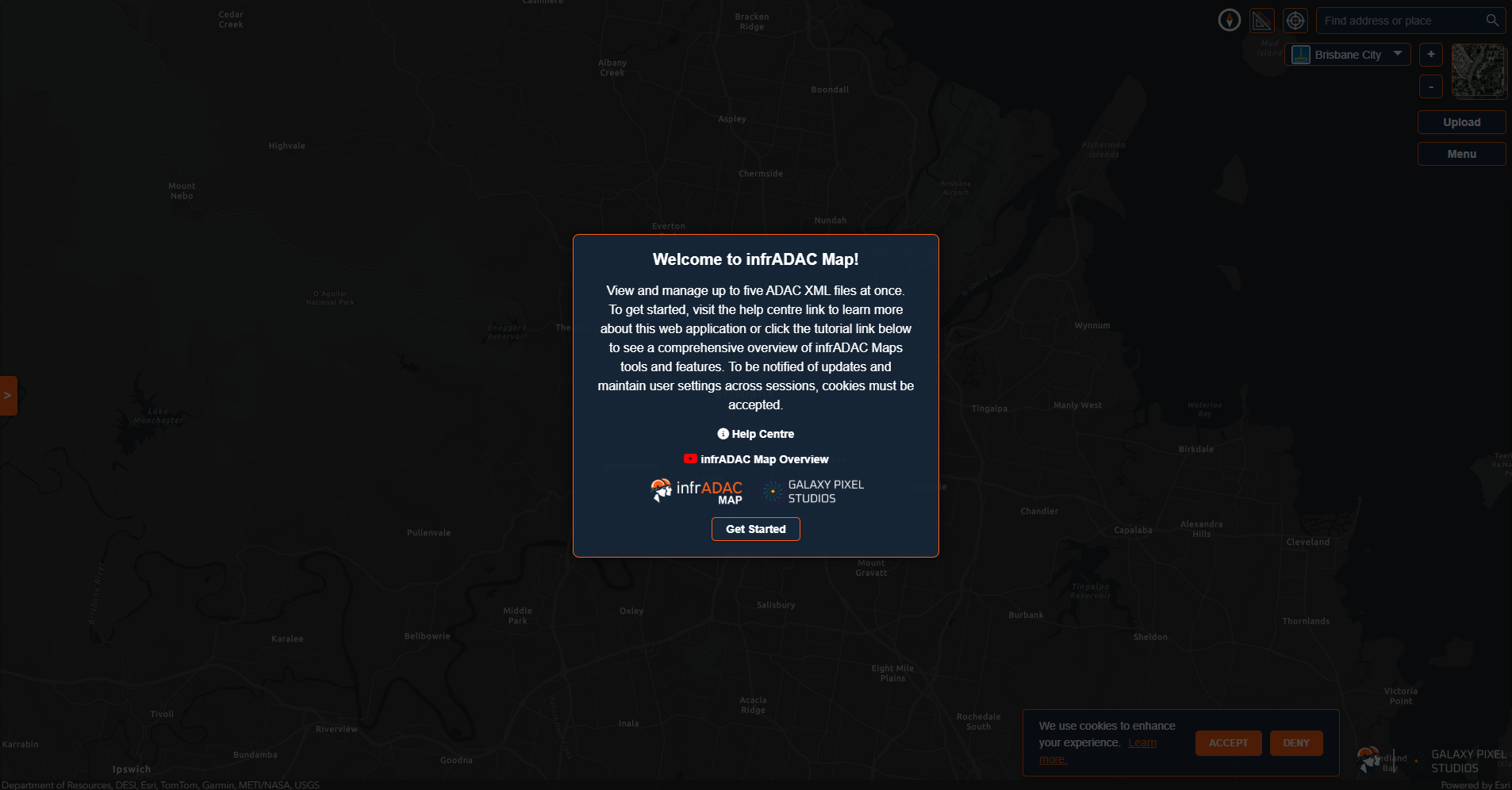
infrADAC Map is a browser-based application that makes it possible to visualise and validate ADAC XML datasets in real time without the need for installation or licensing. Its purpose is to make data review and assessment more accessible for both submitters and assessing authorities. It provides measurement tools, asset inspection, and built-in compliance checks, with support for council and utility regions.
Voltage Node brings advanced electrical network analysis directly into AutoCAD, giving you the ability to model, calculate, and validate distribution systems without external software. From voltage drop and rise assessments to earth fault loop impedance checks, every calculation is seamlessly integrated and aligned with engineering standards. Flexible three-phase and single-phase study modes, independent phase loading, and dynamic load modelling provide deep insight into system performance, while load balance and thermal analysis ensure safe and efficient operation. Customisable authority profiles let you define cables, load types, transformers, and conditions for consistent and compliant results. With comprehensive analysis and streamlined workflows, Voltage Node puts complete control of distribution network studies at your fingertips.
Whether you want to learn more about our software, discuss upcoming products, or explore how our tools can support your engineering workflows, our team is here to help.
Get in touch today and we’ll respond within two business days.
Contact Info
Address: PO Box 532 North Lakes, QLD Australia 4509